
Listing Export
Get your coin listed on sites like CoinGecko, CoinMarketCap, DEX Screener and Birdeye without typing everything again. Chain Daddy fills in their forms from your coin page. Your coin is also published in a Token List (token is the crypto term for a coin), a standard file that wallets and exchanges read, with nothing to set up.
Your coin page already holds what listing sites ask for: name, ticker (the coin's short name, such as PEPE), description, logo, socials and contract address. Listing Export gives it to you three ways:
- Quick export: the fields a site needs, ready to copy.
- Guided wizard: step-by-step submission for CoinGecko, CoinMarketCap, DEX Screener and DEXTools.
- Token List: published for you.
Each listing site sets its own minimums (volume, holders, liquidity) and decides whether to list you.
Quick export
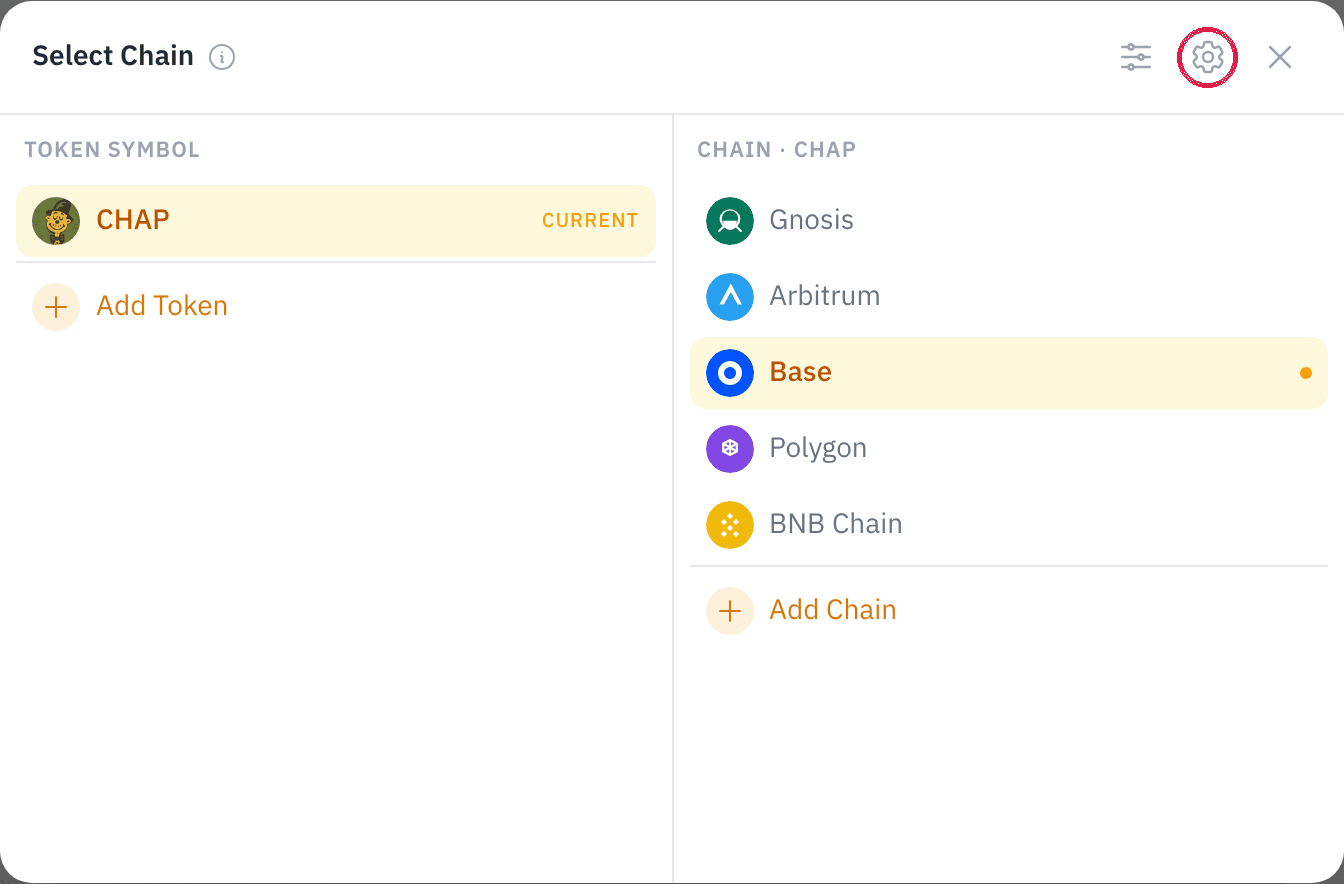
Open your chain's admin settings. In your coin manager, click your coin's logo and short name at the top, then the gear in the Select Chain window. See Chain Admin Settings.
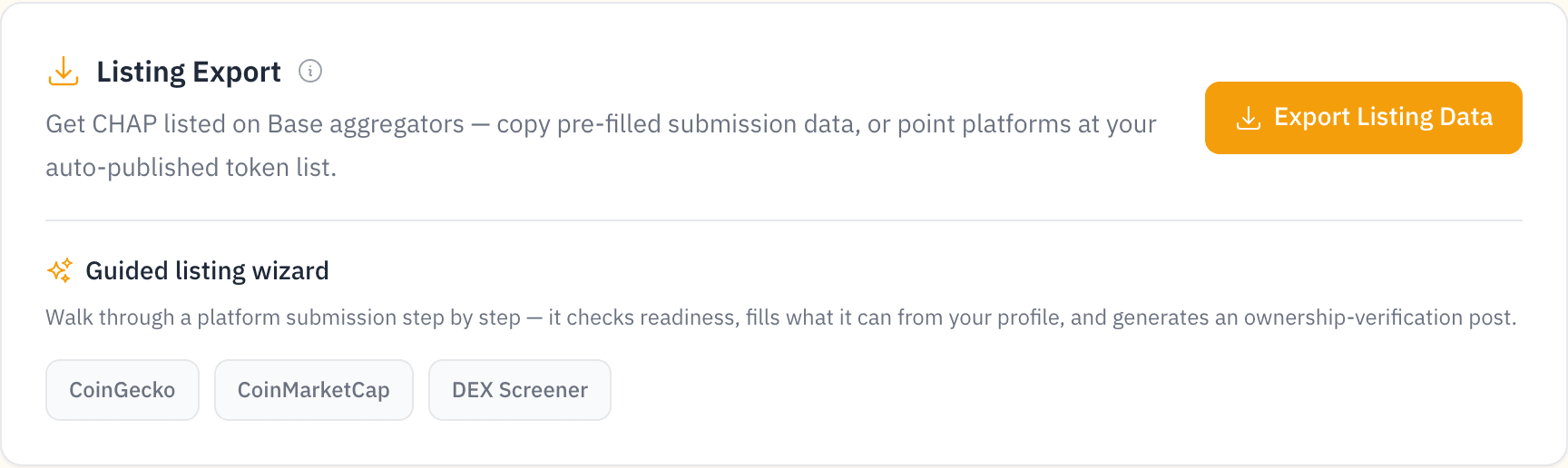
In the Listing Export section, click Export Listing Data.
Pick a site: DEX Screener, Birdeye or CoinGecko. Each card shows the fields that site needs and which ones your page already fills.
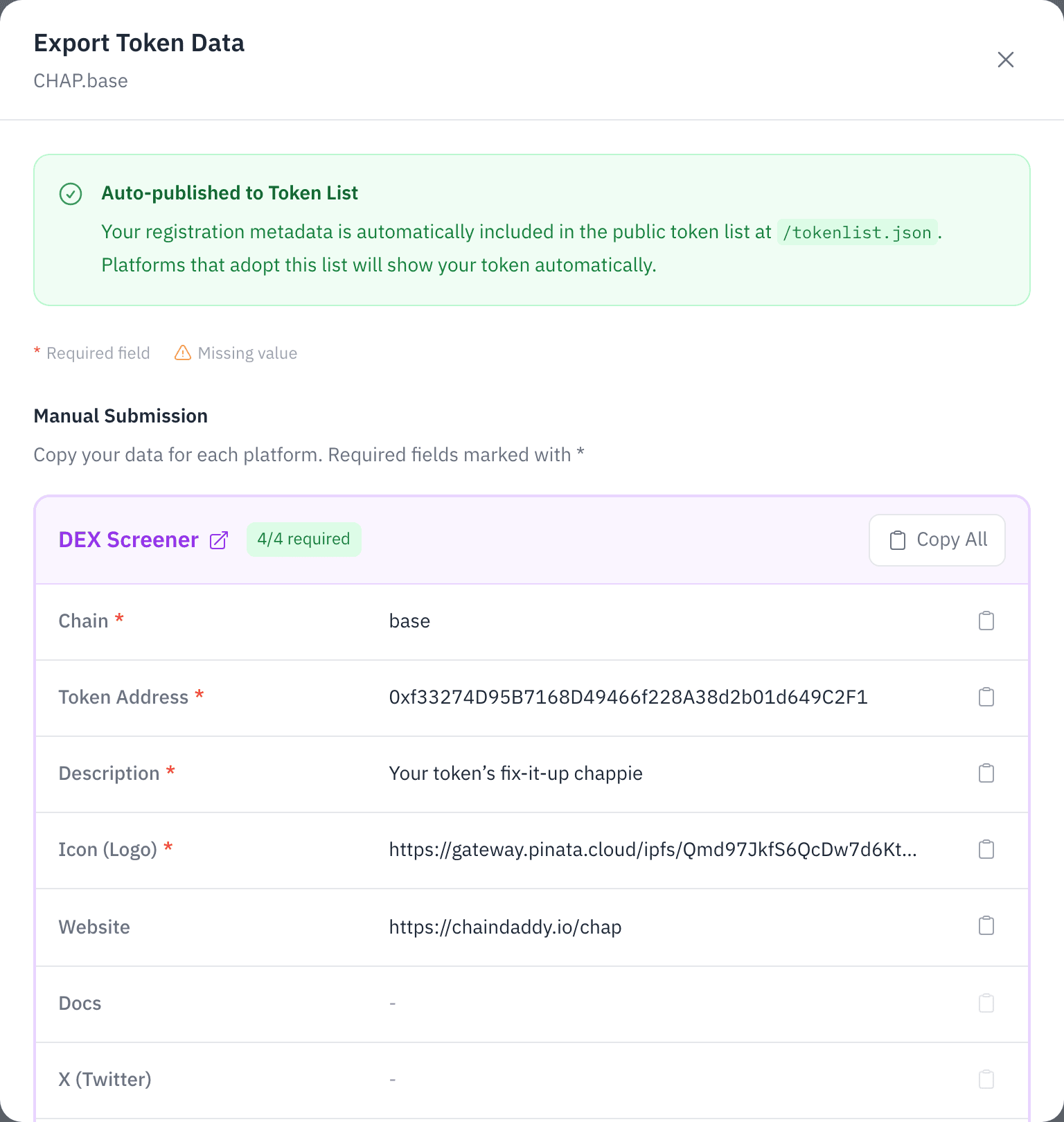
Copy All, copy one field at a time, or open the site's form with the submission link. Paste into the form and submit.
Guided wizard
Below Export Listing Data, pick CoinGecko, CoinMarketCap, DEX Screener, DEX Screener Enhanced Token Info or DEXTools update / takeover. The wizard checks you are ready, fills what it can, flags what is missing, and writes the ownership-verification post for sites that ask for one.
| Site | How | Fields |
|---|---|---|
| DEX Screener | Quick export, wizard | Chain, contract, description, logo, socials |
| CoinGecko | Quick export, wizard | Asset platform, contract, name, ticker, description, website, socials |
| CoinMarketCap | Wizard | Project name, ticker, description, contract, website, socials |
| DEX Screener Enhanced Token Info | Wizard | Contract, logo, header, description, links |
| DEXTools | Wizard | Contract, logo, description, links |
| Birdeye | Quick export | Logo, description, website, socials |
Screeners
DEX Screener and DEXTools list every traded coin, but show a bare page until someone sends them its details. Their forms and fees are their own; Chain Daddy takes nothing.
| DEX Screener Enhanced Token Info | DEXTools update or takeover | CoinGecko / CoinMarketCap | |
|---|---|---|---|
| Cost | From $299, paid to DEX Screener (checked Sep 22, 2026) | Paid to DEXTools, priced on its form (checked Sep 22, 2026) | Free to apply |
| They ask for | Logo (512px or larger), header, description, links, locked-supply wallets | Logo, links, description; evidence for a community takeover | Name, ticker, contract, description, website, logo, socials |
| We fill in | Contract, chain, logo, header, description, links | Contract, chain, logo, description, links | Everything your coin page holds |
On a launched coin's page and in My Coins, Get seen links all three forms. Tick each one once you have sent it.
Token List
Chain Daddy publishes your coin in the standard Token List format that wallets, exchanges and aggregators read. Sites that use the list show your coin without a separate submission.
Your coin is in it when its registration is active, its contract address is set, and its decimals are known. The format covers EVM chains (Ethereum, Base and chains like them), so Solana coins are not in it.
ⓘ Endpoint and fields
GET https://api.chaindaddy.io/api/v2/tokenlist returns every listed token. Add ?chainId=8453 for one chain, or ?symbol=ABC&symbol=XYZ for chosen tickers. No key needed.
Each entry has symbol, name, address (checksummed), chainId, decimals and logoURI, plus extensions.tokenId (the registration ID) and extensions.verified (true: ownership was verified at registration).
Tips
- Fill in your coin page's details first. A missing field means an incomplete submission.
- Link your coin across chains so every chain's registration is listed.