
Holder Snapshot Export
Download the holders who joined your community as a spreadsheet (CSV): wallet, email, holder group, holdings and the social handles they shared. Use it for airdrop allowlists, eligibility lists, or votes.
Needs the Developer plan
Community export comes with the Developer plan, which is in beta and free while it is, and with Partner.
Export your members
- Open your coin manager and press Community.
- In the Members list, click Export members.
- Pick a holder group, a verification status and a segment, or all.
- Download the CSV.
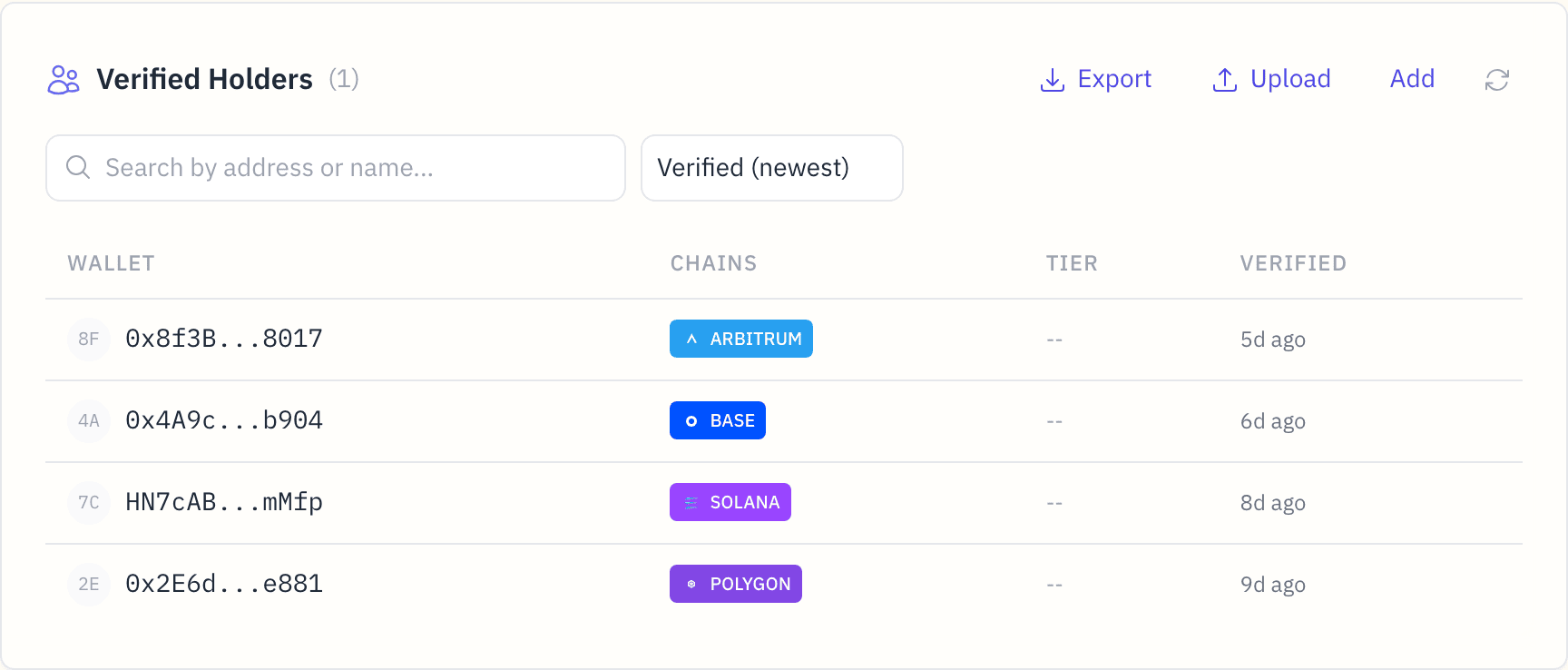
The export covers the coin you are managing, across its chains. A member verified on more than one chain appears once.
What's in it
One row per wallet:
| Field | Description |
|---|---|
email | The email the member gave when joining, if any |
wallet | The holder's wallet address |
tier | The holder group they qualify for |
holdings_balance | Their balance at their last verification |
x_handle | Their X handle, if they connected X |
discord | Their Discord name, if they connected Discord |
telegram | Their Telegram username, if they connected Telegram |
ens | The wallet's ENS name, if it has one |
sns | The wallet's SNS name, if they linked one |
email,wallet,tier,holdings_balance,x_handle,discord,telegram,ens,sns
alice@example.com,0x1a2b3c...def,tier-1,1000.5,alice,alice,alice_tg,alice.eth,
,0x4d5e6f...abc,tier-2,500,,,,,
The file is named community-{symbol}-{YYYY-MM-DD}.csv ({symbol} is your coin's short name), UTF-8, comma-separated, with a header row.
- Only holders who joined your community are in it, not every wallet that holds your coin. To reward holders who haven't joined, use Reward your top holders, which finds them for you.
- Handles appear only for holders who shared them, and never for a holder who hides from holder lists.
- Balances are as of each holder's last verification. Use Re-verify on a row to refresh it.
Ideas
- Airdrops: upload the file as an allowlist in Airdrops.
- Votes: a list of holders and balances at a point in time, for an off-chain vote or a poll.
- Growth: compare exports over time to see who joined and who moved between holder groups.
Privacy
Emails are the ones members gave when joining, and only you and your managers see them. Only the coin's owner or a manager can export, and every export is logged with the wallet that made it and its row count.