
Community Alerts 📢
Alert your holders: send an alert straight to the members of your community, in the app, by email, push, or a direct message from our bot on Telegram or Discord. On every plan. Free sends one a week; Pro and above send as many as they like.
How to send one
- Open your coin manager and press Alert Holders, beside the bottom bar. Send an alert opens.
- Write a title and a message, choose Alert or Urgent alert, and pick your channels.
- Press Send Alert. There is nothing to sign and nothing to pay.
You should see Alert sent!, and the alert under Recent in Community alerts on the Community tab. Members get it on the channels they chose.
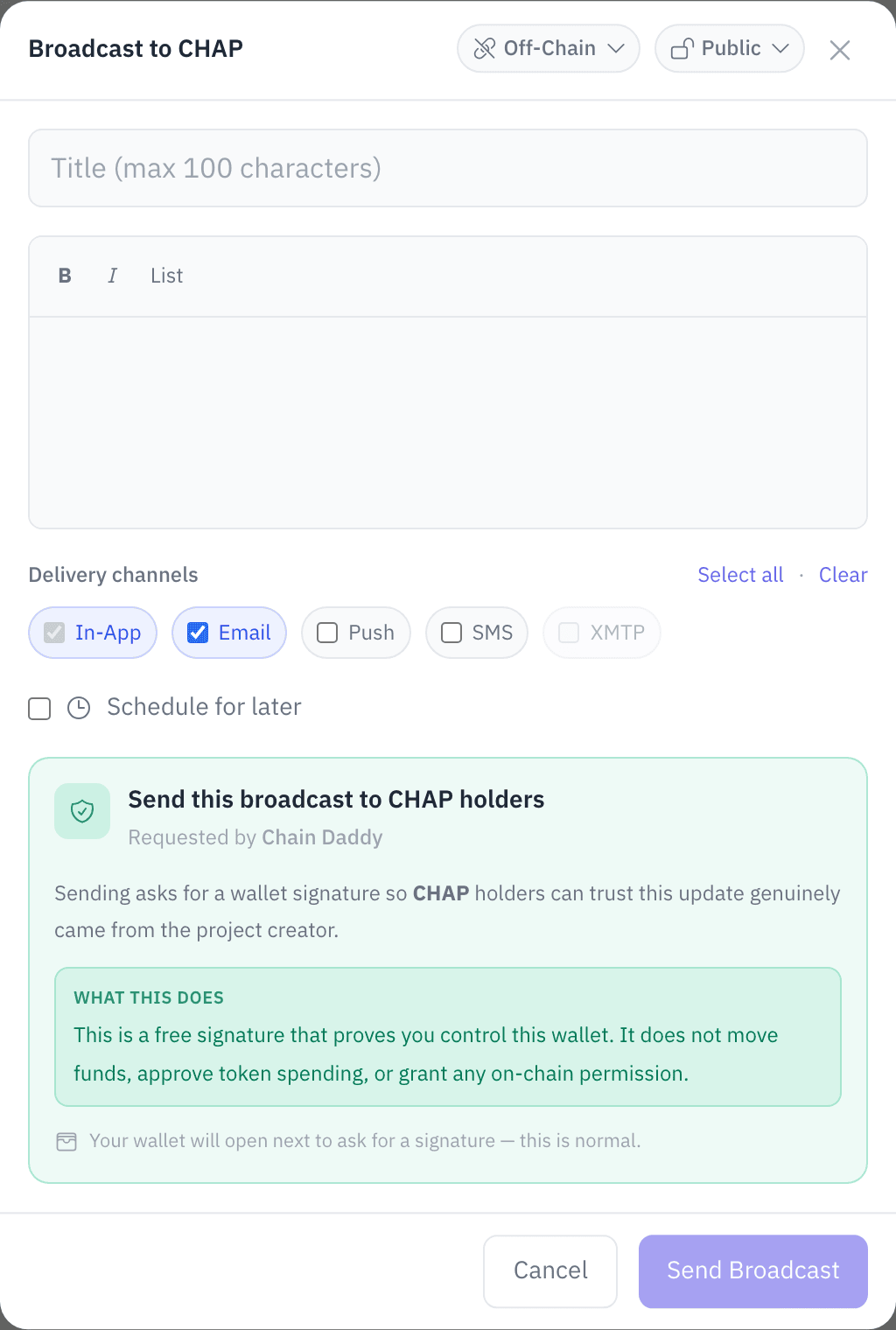
It goes to your members, the holders who joined your community, largest holding first. Only the coin's owner or a manager can send.
To alert part of your community you need a paid plan. In the composer, pick a holder group (a named level of holding you set, such as everyone with 100 coins or more), or pick segments.
On your coin page, the feed shows alerts to your whole community to everyone. An alert to a holder group also shows there to the group's members while they are signed in; nobody else sees it. An alert to a segment shows only to you and your managers.
ⓘ Every field in the composer
| Field | Description | Limit |
|---|---|---|
| Alert or Urgent alert | How far it reaches: see Alert or urgent alert | One |
| Holder Group | Which holder group receives it. Unset reaches every member. Paid plans | One group |
| Audience | Segments that narrow who gets it, with a live count | Any number |
| Channels | In-App (always on), plus Email, Push, SMS (a daily text from us with a link, not your alert), Telegram and Discord | Multi-select |
| Title | Headline | 100 characters |
| Message | Body | 2,000 characters |
| Image URL, Link URL (optional) | An image or a link to include | HTTPS only |
| Schedule for later (optional, Pro+) | Send at a set date and time | At least 5 minutes ahead |
Alert or urgent alert
Each member picks how many alerts they want from your community: Everything, Highlights (the default) or Big news only.
- An Alert reaches members on Everything and Highlights.
- An Urgent alert reaches every member, even those on Big news only. Keep it for real news.
Who gets it
Who can join. People join your community from your coin page, free: they press Join. There is no sign-up form. By default your community is for holders of $1+ of your coin, checked on chain. To set a higher bar, or to let anyone signed in join whether or not they hold, open Community, then Who can join under Members. Members who don't hold your coin hear you in the app, by push, email, Telegram and Discord; texts always need $15 of your coin.
Each member picks their own channels. Every alert reaches the in-app inbox, which can't be turned off. It also goes by push, email, Telegram or Discord to members who turned that channel on. Your alert never goes by text: a member who turned on texts (SMS) gets at most one text a day from us saying they have new updates, with a link. Texts need $15 of your coin, or your bar if it is higher. A member can leave your community at any time and stops receiving at once.
Your members
Members, at the top of the Community tab, is your community: the holders who joined, newest first, plus any wallets you imported or added. Only you and your managers can see it, and Who can join is in the same card. On the Developer plan, Export members downloads it: Holder Snapshot Export.
How many members you have, per chain, is on the Health tab: Analytics. Members are the people your alerts reach. The weekly recap email we send you on Sunday evenings counts them too, such as Members: 88 (+12 new), and nudges you when your last alert was a while ago.
How often you can send
| Plan | Alerts | Recipients per alert |
|---|---|---|
| Free | 1 per rolling 7 days | 50,000 |
| Pro and above | 3 an hour, 10 a day | 50,000 |
Recipients are ordered by how much they hold in US dollars, so the cap keeps your largest holders.
The hourly and daily limit is the same on every plan. Every coin sends through the same email address and bots, and the limit keeps one coin from getting them blocked for everyone. A coin's first week allows 1 a day. Need more? Write to support@chaindaddy.io.
Scheduled community alerts
Needs Pro+. In the composer, turn on Schedule for later, set the date and time, at least 5 minutes ahead, and press Schedule. You should see Alert scheduled! It sends itself. You can review, edit or cancel it under Scheduled in Community alerts until it goes.
Telegram and Discord
Pick Telegram or Discord and our bot DMs each member who connected that account. A member connects it when they join, or later from Change channels under Your $YOURCOIN alerts.
Whether the bot also posts in public depends on who the alert is for:
- Your whole community, and you have no holder groups: the bot also posts it in your community Telegram room and your Discord market-activity channel.
- A holder group or a segment: DM only. An alert can carry group-only content, so it never goes into a room anyone can read.
The composer tells you which applies before you send. What the DM looks like, and what members do to connect: Telegram, Discord.
- Discord only DMs people who share a server with our bot. Invite the bot to your server, and ask members to join it.
- A member who blocks the bot stops receiving there. They see a reconnect prompt the next time they open Change channels.
Audiences
Aim an alert at a holder group, at segments, or at both. Segments are worked out when you send, from your members' balances.
| Audience | Who gets it |
|---|---|
| Holder group | Members whose balance clears the group's minimum; for a group of members or anyone signed in, every member; for invited wallets, the members it lists. Pick one |
| New this week | Joined in the last 7 days |
| Sold all | Held your coin, and now holds none |
| Sold half+ | Still holds, but their last balance change cut it by half or more |
| Whales | Your top 1% by holdings, or anyone holding $10,000 or more |
| Top 10 / 25 / 50 / 100 | Your largest holders |
Pick several segments and a member in any of them gets the alert once. With a holder group too, only that group counts: Top 10 means the group's top 10. The same segments work for airdrops and the holder export.
Push on a member's device
Push is a notification on a member's phone or computer, like any app's. It needs their browser to allow it, and a browser asks only once per website. If someone taps Block, the page can't ask again. So the question appears only after a holder has said they want your alerts: as they press Join with Push on. Signing in alone never triggers it. Someone who says no still gets the other channels they chose.
iPhone holders install your page first
On an iPhone or iPad, Safari shows notifications only from a website added to the home screen:
- An iPhone holder who taps Push is shown how to add your page: Share → Add to Home Screen.
- They open your coin from their home screen. It opens as your app.
- The app offers Get $YOURCOIN's community alerts? on first launch. They tap Turn on, connect their wallet again inside the app, and join with Push on.
Your page is its own website
Your coin's page (yourcoin.crown.info) is a separate website from chaindaddy.io, and browsers keep notification permission per website. A holder who allowed Chain Daddy notifications is asked again on your page, in your coin's name. Alerts from it arrive as your coin: your icon, opening your page when tapped.
If a member's push isn't arriving
- They blocked notifications for the page. They allow them in their browser's settings for
yourcoin.crown.info, then turn Push on again from Change channels. - iPhone, not installed. Push only works from the home screen app.
- They turned Push on from a different device. Push is per device.
Tips
- Keep it short, and link to the details.
- Alert when it matters. Members who get fewer alerts read more of them, and an Urgent alert is for real news only.
- Mind the clock. Members can set quiet hours (10pm to 8am their time, by default). Push waits until they end.