
Managing Your Coin
Your coin manager is where you run your coin (in crypto terms, a token) once it's registered. This page covers editing your page's details, giving helpers access, and each chain's settings. To open the manager, press Manage on your coin in My Coins.
| You want to… | Go to |
|---|---|
| Edit your name, description, logo or links | Editing metadata |
| Let another wallet help edit your page | Roles |
| Run the pool of a plain coin yourself | Liquidity |
| Change supply or trading limits (coins made on Chain Daddy) | Coin Settings |
| Lock coins for your team on a schedule | Vesting |
| Prove your coin's website is yours | Verified sites |
| Put your coin's apps on your own website | Apps on your site |
| Give up control, lock supply, or release your registration | Danger Zone (permanent) |
Editing Metadata
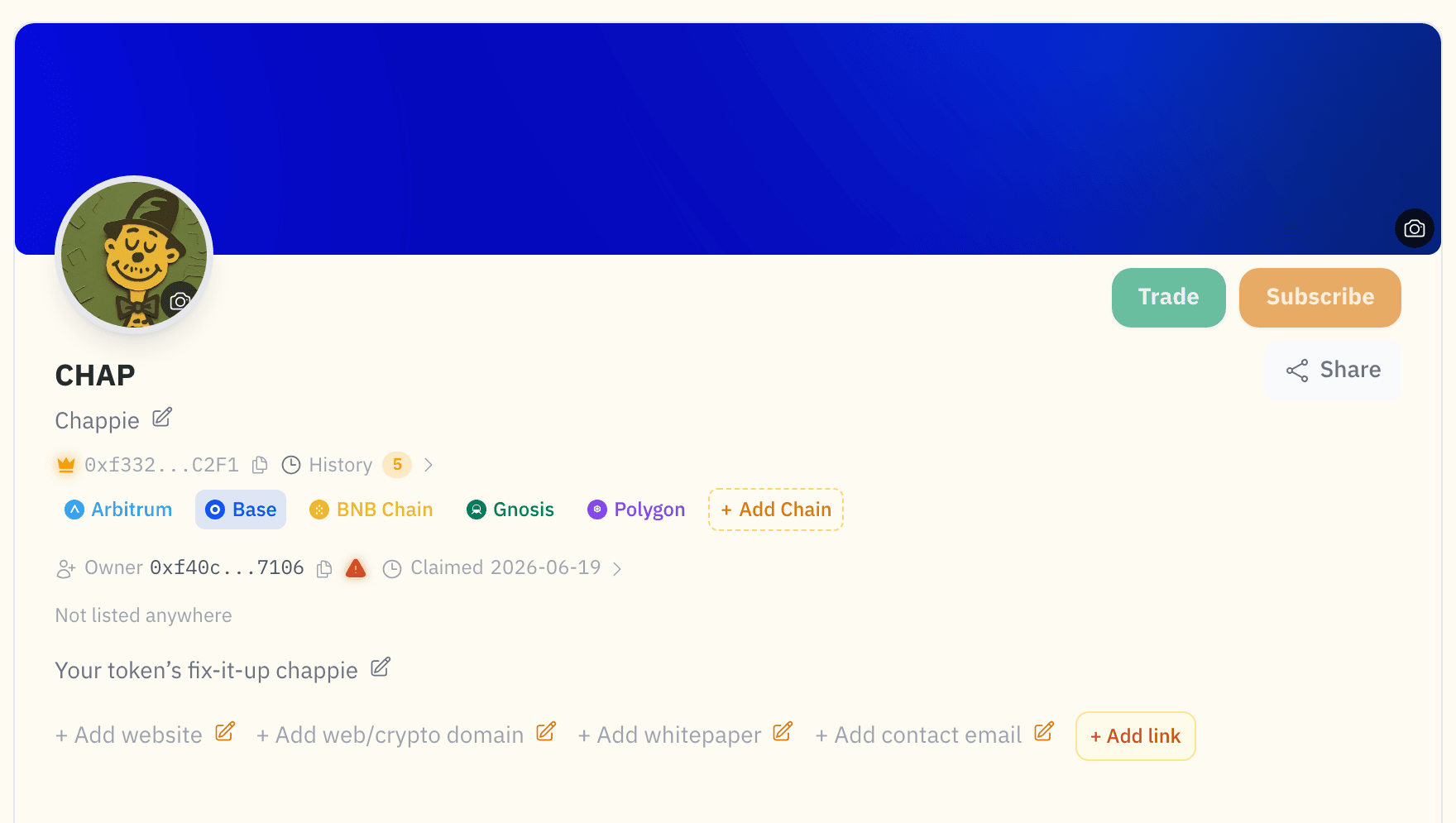
On the Page tab of your coin manager, click a field to change it in place:
| Field | Description |
|---|---|
| Name | Display name (up to 100 characters) |
| Description | Up to 2,000 characters |
| Logo | Coin logo image |
| Website | Project website URL |
| Social Links | X/Twitter, Discord, Telegram, GitHub, YouTube, Twitch, Kick, and more. Verify them for a badge |
Edits save right away. To also publish them on-chain, click Needs on-chain sync in the top bar and sign once.
Chain Admin Settings
Roles, liquidity and permanent actions are managed per chain. A chain is one blockchain network, such as Base or Solana. At the top of your coin manager, click your coin's logo and ticker. In the Select Chain window that opens, click the gear (circled below):
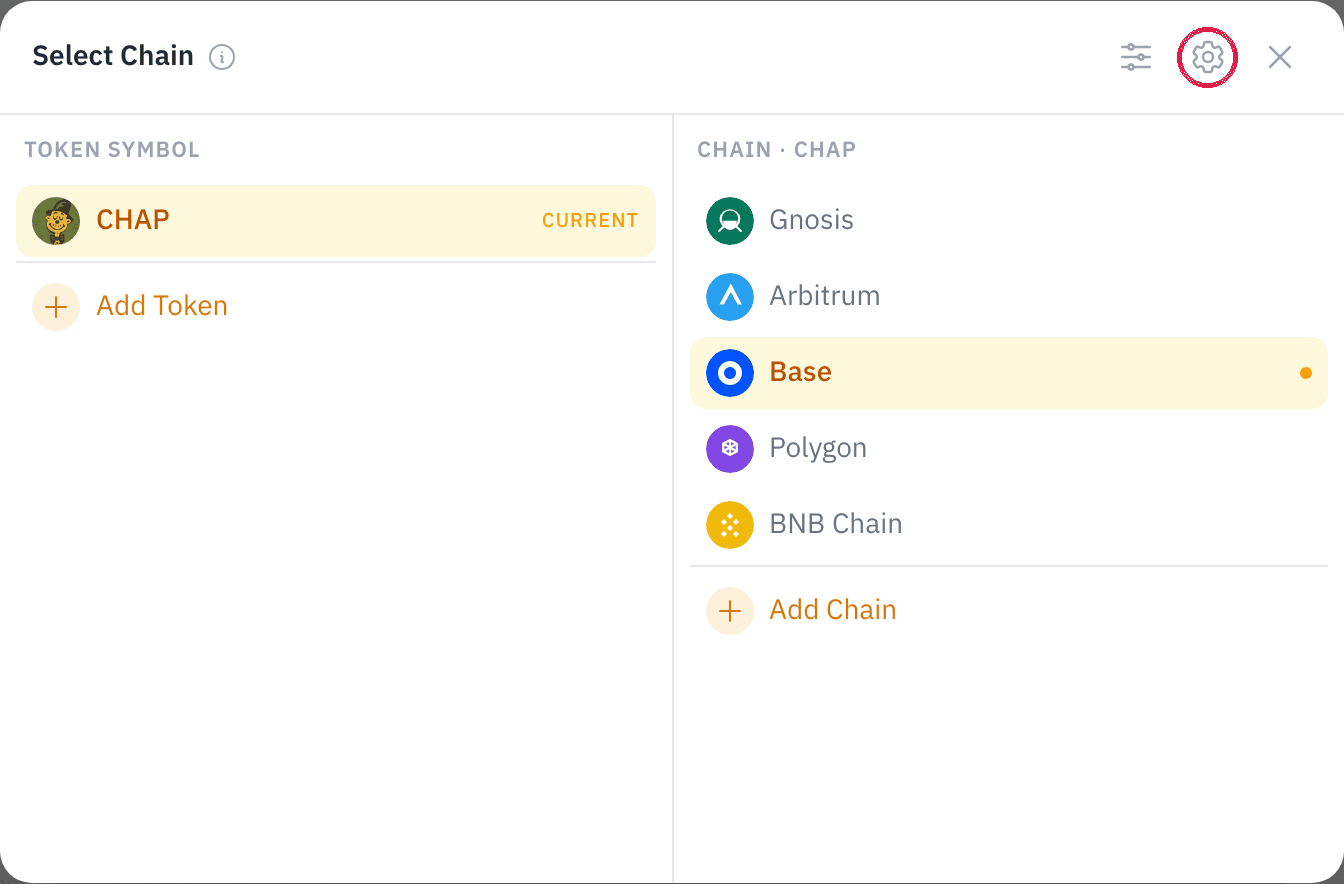
The admin panel has Roles, Listing Export, Liquidity, Coin Settings, and the Danger Zone.
It also has three sections for your own website, each with its own guide: Verified sites (prove a domain is yours), Apps on your site (run your coin's apps and card there) and Share & embed (a badge and cards with no script).
One chain at a time
Everything in the admin panel applies to the selected chain only. Switch chains to manage another.
Roles
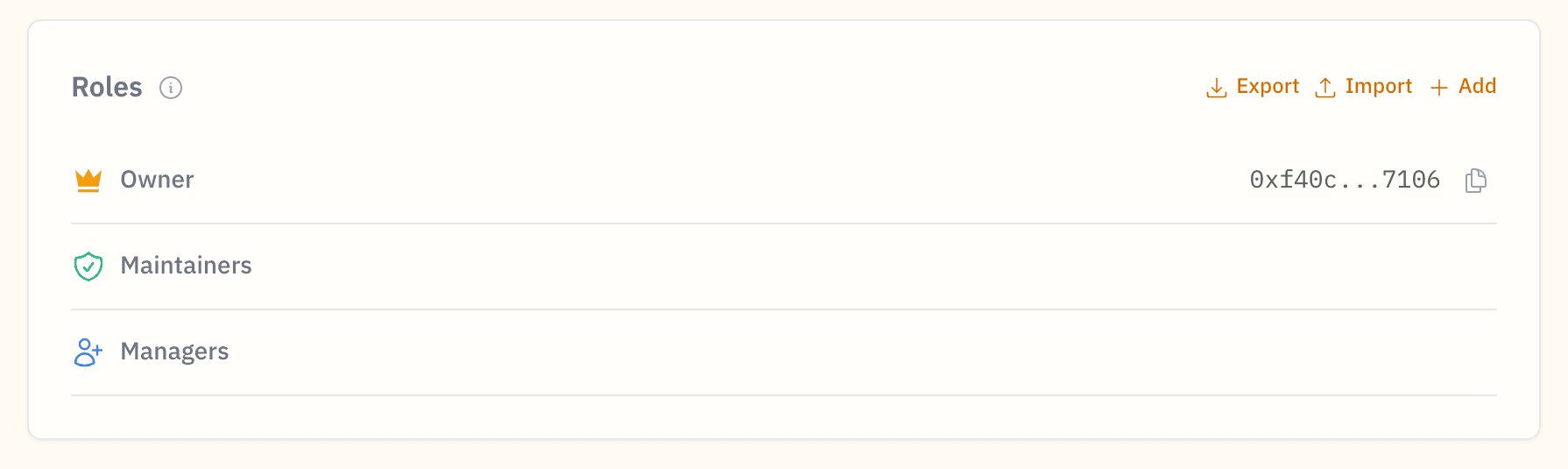
Give other wallets access: a Manager (edits and on-chain publishing) or a Maintainer (metadata edits only). The owner is shown at the top and is the wallet that holds the registration. Add a role by wallet address, or import and export the list as CSV. Only the owner can add or remove managers.
ⓘ What a manager can and can't do
Can: edit metadata (name, description, logo, links) and publish it on-chain; edit the page: theme, apps, featured links.
Can't: set other managers, release the registration, transfer ownership, or register additional coins on behalf of the owner.
Listing Export
Export this chain's registration as pre-filled listing data for exchanges and aggregators, or point them at the automatic Token List feed.
New here? The Listing Export guide walks through the flow and the supported platforms.
Liquidity
For a plain coin, or any pool you run yourself. A coin launched with Launch a coin needs none of this: its pool came with it, and its liquidity can't be withdrawn.
Get your coin trading: create a trading pair (the market where your coin trades), add liquidity (the money in the pool that lets people buy and sell), lock your LP tokens (your receipt for your share of the pool), and open trading.
On EVM, nobody can trade until you open trading
A plain coin made on Chain Daddy keeps transfers locked until you press Open trading, right under the liquidity controls, so bots can't buy the moment the pool appears. Add liquidity first, then open trading. Open trading is one-way and owner-only, so do it before you renounce ownership. Solana coins trade as soon as the pool exists.
New to this? The Liquidity guide walks through each step.
Coin Settings
For coins created through Chain Daddy, the on-chain settings you can still change:
Supply
Mint more (if your coin is mintable), or raise and lower the max supply. Locking supply is permanent, so it lives in the Danger Zone.
Anti-whale limits
Caps on how much can move in one transaction (max transaction) or sit in one wallet (max wallet), plus deadblocks (blocks after launch before trading opens). These are the Trust Features you set at launch. Removing a limit is protected by a 24-hour timelock (a built-in delay).
Exemptions
Addresses that bypass the limits, and LP pairs exempt from the wallet limit.
Immutable features
Whether your coin can be minted or burned, as it launched (these can't change), plus a Burn control to permanently destroy coins you hold.
Coins made elsewhere
Registered a coin you didn't create through Chain Daddy? It has no Chain Daddy trust config, so Coin Settings and the ownership and lock actions don't appear. Only Release page does.
Vesting
Lock coins for your team, advisors or early backers on a schedule. Each person gets their own schedule. Nothing unlocks during the wait. After it, the coins unlock steadily over the unlock period.
- Set it up: add a row per person with their wallet (on EVM, a verified
@handleworks too), the amount, the wait and the unlock period in days. Each row says what that person gets every week. Up to 10 people at a time; lock those, then add more. On EVM your wallet first approves the total; then you sign one transaction per row. - Check every wallet: before anything is signed, a review lists each wallet in full. Coins locked for a wrong wallet can't be moved to the right one.
- It can't be changed: the vesting contract has no function to revoke, shorten or redirect a schedule.
- Anyone can press Release: the coins always go to the person on the schedule. Each schedule has its own page, linked from its card. Share it with them.
- Until released, the coins sit in the vesting contract (EVM) or program (Solana).
- Coins that take a fee on every transfer can't be vested, because the schedule would promise more than it holds.
Works for any registered coin, on the chains where the vesting contract is live.
Danger Zone
Permanent actions for this chain, outlined in red:
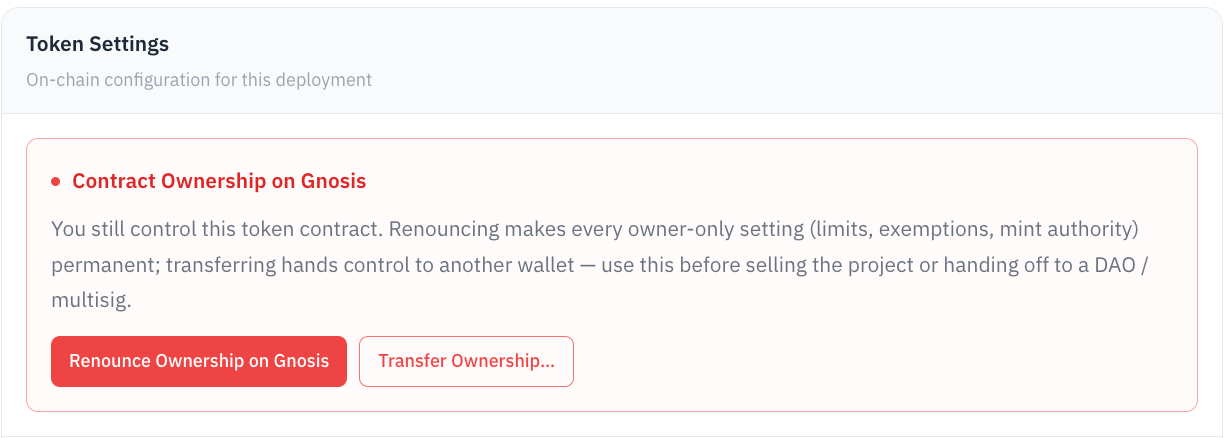
- Contract Ownership: Renounce gives up control for good, which freezes every owner-only setting (open trading, limits, exemptions, mint authority) as it is. Transfer hands control to another wallet. Transfer before selling the project or handing off to a DAO or multisig.
- Lock Supply: renounces mint authority. No new coins, ever.
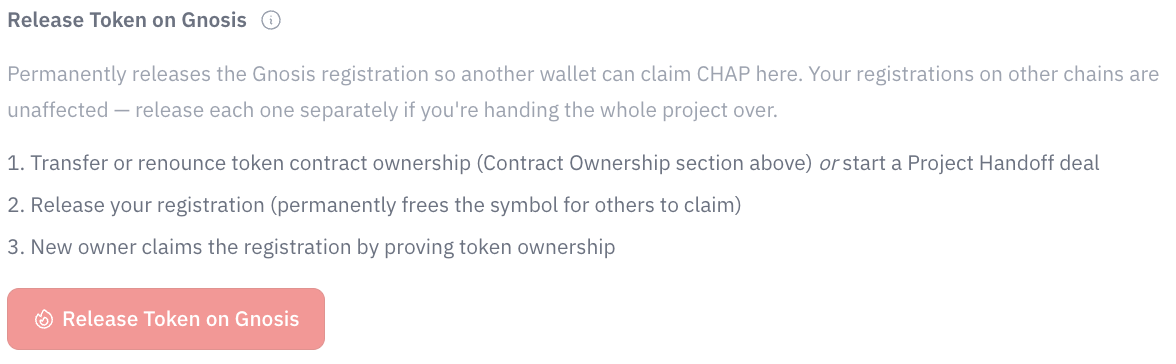
- Release page: permanently frees this chain's registration so someone else can verify the coin. The coin itself is untouched, and your other chains are unaffected.
Do these last, in the right order
Renouncing ownership freezes every owner-only action, including Open trading and everything in Coin Settings. Finish your launch first: add liquidity, open trading, set your final supply and limits. Then renounce or lock. Once ownership is renounced, trading can never be opened.
Authority badges
Your public coin page shows who can still change the coin, read from the chain. A badge appears only when the chain proves it.
| Badge | EVM: what the chain shows | Solana: what the chain shows |
|---|---|---|
| Renounced | owner() reads the zero address or 0x…dEaD | |
| Unmintable | Mint authority renounced, minting off at creation, or supply at its cap | Mint authority revoked |
| Unfreezable | Freeze authority revoked | |
| Immutable | Metadata can no longer change |
A contract without an owner() function shows no Renounced badge. To get these badges on a coin made here, use the Danger Zone.
Releasing a Registration
Done with a registration? Release it. This permanently ends the registration: the ticker opens to anyone, and its on-chain details and roles are cleared.
Releasing is permanent
There's no undo. To get it back, register again from scratch, if nobody else registers it first.
To release, open your chain's admin settings and use Release page in the Danger Zone.
Listing after a release
A coin you launched on Chain Daddy is hidden from browse and launch feeds once you release it. Its page still works at its link, so holders can still trade. A new registration lists it again; to keep it listed, tick Keep this token listed when you release.