
Your Coin Page
Your coin page is your coin's verified home on Chain Daddy: its links, branding, contract and apps in one place. What makes it verified is your registration, the public record on the blockchain that your coin's ticker (its short name, like $PEPE) is yours on this chain. You get one when you launch a coin here or verify one you made elsewhere.
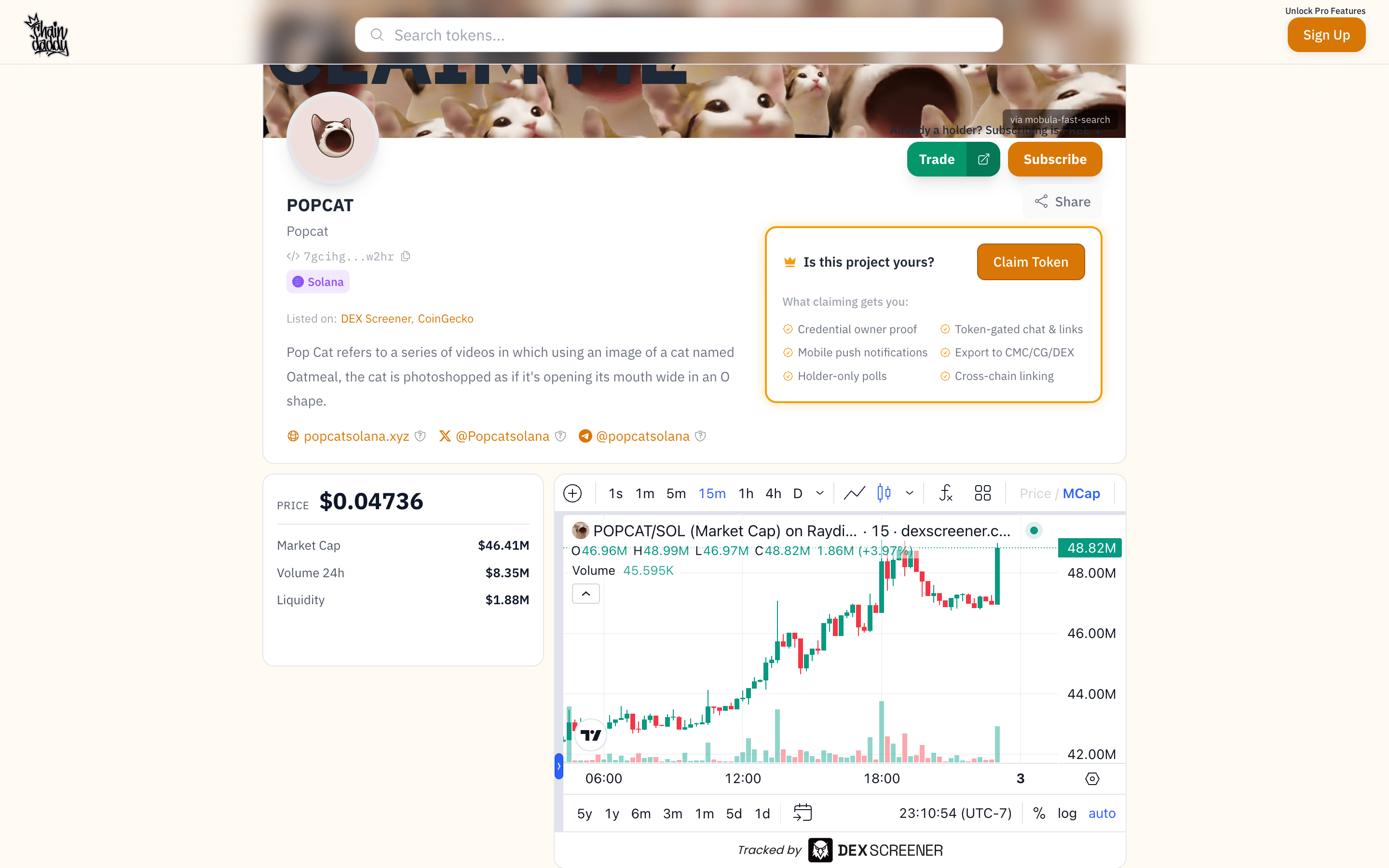
You change the page in your coin manager. The guides for each part are in the sidebar: look and layout, editing and helpers, verified socials, more chains and apps.
Short address
Every registration gets a short web address, {symbol}.crown.info, on every plan. If you registered on several chains from one wallet, it opens your combined page. Added to a phone's home screen, it installs as your coin's own app. Have a domain of your own? Use your own domain with your coin.
Trust badges
Badges on your page show visitors how you proved ownership and which socials you verified, on every plan. A verified link shows a check. A link you added but have not verified shows a shield until you finish. Social Verification · How ownership is proved

Social links
Add up to 20 links to your socials and community channels: X, Discord, Telegram, GitHub, YouTube, TikTok, Instagram, Reddit, your own URLs and more. On the Page tab of your coin manager, press + Add link, or click a link to change it.
Watermark
Free and Pro pages carry a small Chain Daddy logo in the corner. On Pro+ and above you can switch it off: in the style editor, Token.info Watermark. If you move to a lower plan, it comes back. The same switch takes the logo off the HUD around a game in full screen.
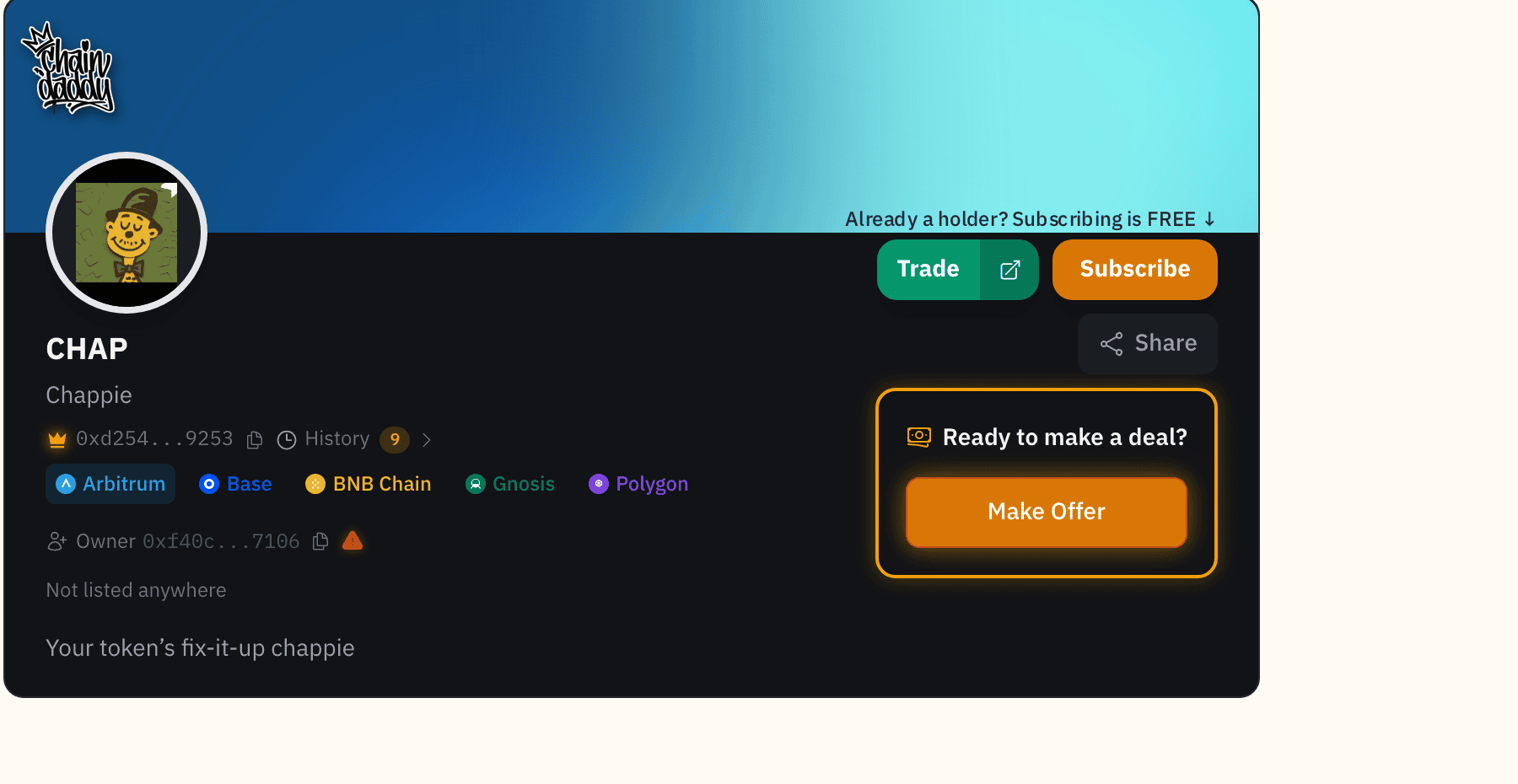
Chain selector
If your coin is registered on more than one chain, {symbol}.crown.info shows a chain selector in the top corner, so holders can switch chains without leaving your page. On Pro+ and above you can switch it off in the style editor, under Chain selector. Visitors then reach another chain only by its own link.
Games in full screen
The HUD a visitor sees around a game in full screen, and its two switches, are on Look, Layouts & Game Layout.
Apps
Adding apps to your page, and listing one of yours in the Apps directory, are on Apps, Polls & Your Store.