
Holder Links
A link only your coin's holders can open: private content, an invite, early news, or an allowlist form. Holders unlock it by signing a free message with their wallet.
Pro and above
Holder links start at Pro. Links per coin: Pro 5, Pro+ 10, Developer 20, Partner 40. If your plan ends, your links are kept but no one can open them until you renew.
How it works
- You create a holder link and pick the holder group that can open it. A holder group is a named level of holding, such as everyone with 100 coins or more.
- A visitor clicks the link on your coin page, or wherever you shared it.
- They connect a wallet and sign a message. Nothing moves and it costs nothing.
- If the wallet holds enough right now, they are sent to your destination. If not, they see how much they need and a link to buy.
The balance is checked on every visit. There is no account and nothing is stored.
Create a holder link
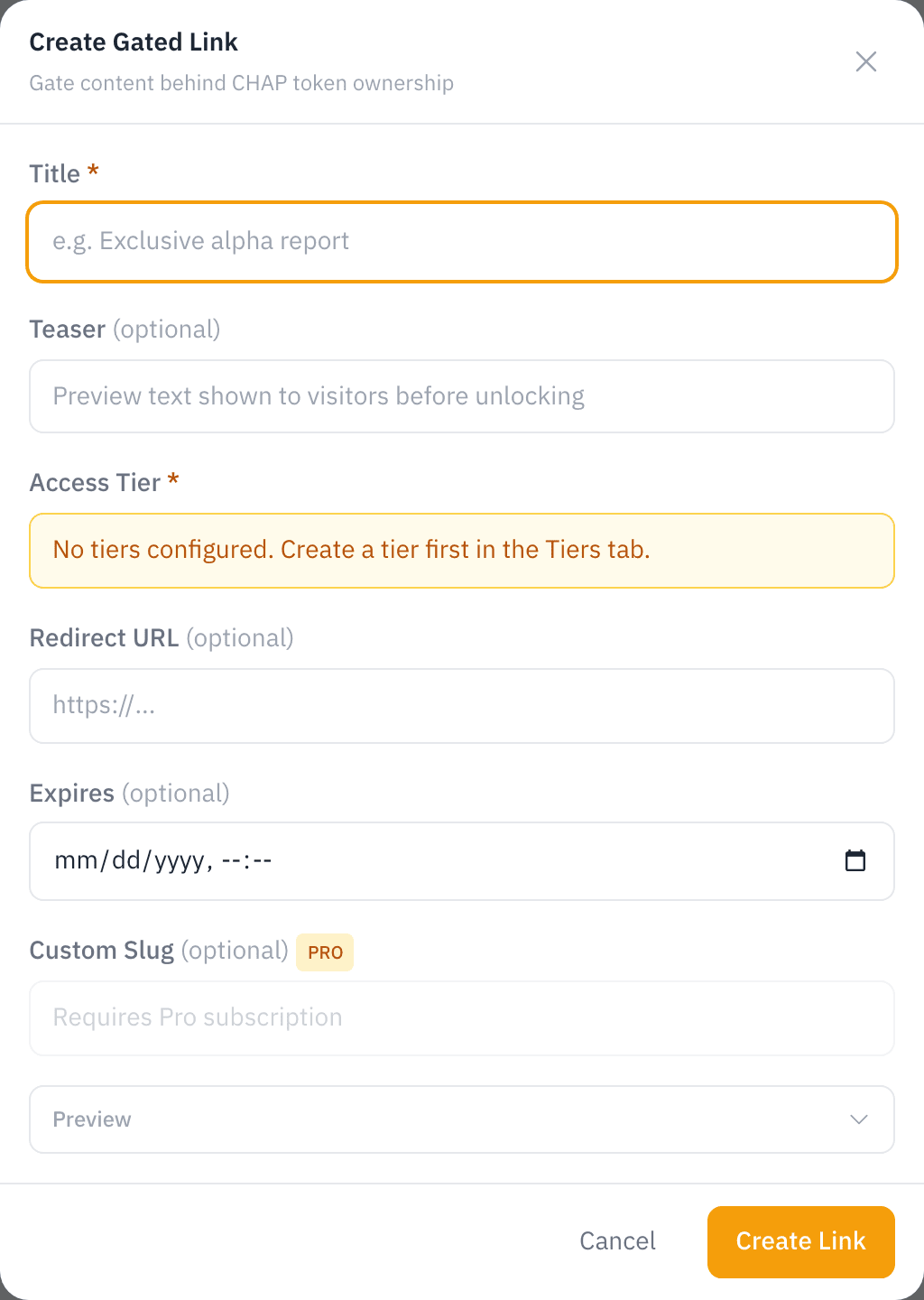
- In your coin manager, press Community, find the Holder Links section and press Add Holder Link.
- Fill in the link:
- Title (required): the headline on your coin page.
- Teaser (optional): preview text visitors see before they unlock.
- Holder Group (required): who can open it. The group's chain and minimum balance show below the picker; a group of members, invited wallets or anyone signed in says so instead.
- Redirect URL (optional): where holders land after unlocking. Use an https address.
- Expires (optional): a date the link stops working.
- Custom Slug (optional): your own URL ending instead of a random one. 3 to 50 letters, numbers or hyphens.
- Click Create Link.
The link appears on the Holder Links card with two addresses to share, chaindaddy.io/_g/… and TICKER.crown.info/_g/… (TICKER is your coin's short name), plus view and unlock counts:

To change a link, click its edit icon, change the fields and Save. To remove it, click its delete icon and confirm. A removed link disappears from your coin page.
Limits
| Limit | |
|---|---|
| Links per coin | Pro 5, Pro+ 10, Developer 20, Partner 40 (Plans) |
| Minimum balance | Set by the holder group |
| Chains | Any chain your coin is registered on |
Ideas
- An invite to a private Discord or Telegram
- Posts, documents or media for holders
- Early access to something new
- An allowlist form for your next launch