
Airdrops
Give your coin away: to wallets you choose, to your top holders, or to anyone with a claim link. Each claim goes straight from your wallet to the person claiming. Any plan can run an airdrop.
What it costs you: the coins you give away, plus gas (the network fee a blockchain charges) once to approve the airdrop. Claiming is free for the person claiming. Chain Daddy pays the gas to send each claim from a monthly allowance, and you pay anything beyond it before the airdrop goes live.
Choose a kind
| You want to… | Use | Who gets it |
|---|---|---|
| Reward people you pick: your top holders, a list of wallets, or social accounts | Allowlist | Only people on your list. Each can get their own amount |
| Let anyone with the link claim until your budget runs out | Open claim link (first come, first served) | Anyone with the link, a fixed amount each. From Pro+, you can add a check to keep bots out |
| Send your coin to a list of wallets, with nobody claiming | Allowlist with Send now | Every wallet on the list, sent when you turn it on |
| Pay prizes from your app | Your server awards it | Winners your app's server picks, within limits you set |
An open link with no check pays anyone who has it
That suits a growth campaign. Size the budget and the gas cap to match.
How it works
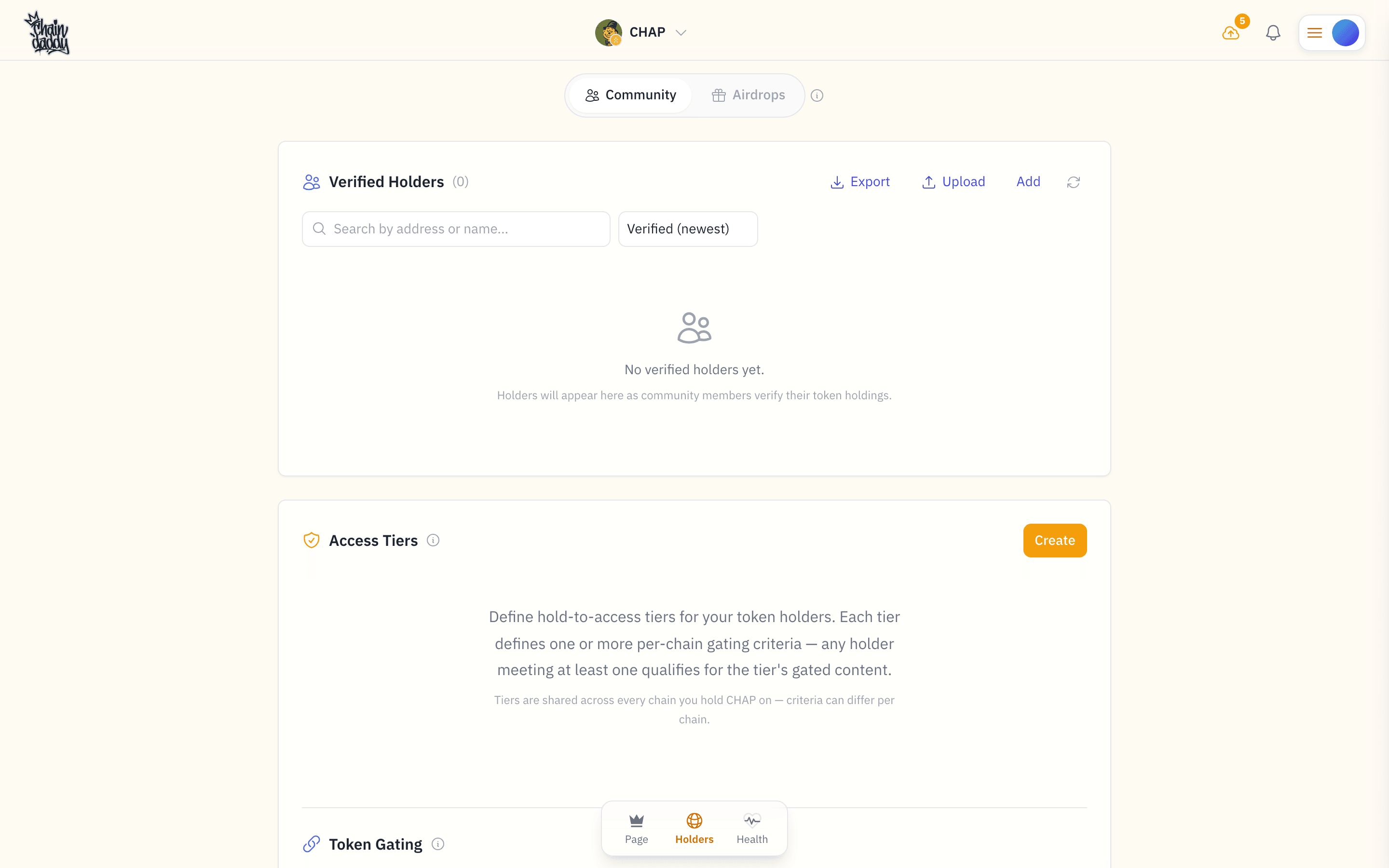
- Create it. In your coin manager, press Community, switch to Airdrops at the top, then Create Airdrop. Pick the kind, the amount per person and your total budget.
- Add your list (allowlist only). Upload a file, or pick your top holders.
- Approve it. One approval lets the airdrop send up to your budget from your wallet, and no more. Your coins stay in your wallet until someone claims.
- Turn it on and share the claim link. If the gas isn't fully covered, the airdrop tells you what to pay first.
- People claim. They connect a wallet and sign a free message, and their coins move from your wallet to theirs.
Keep enough in your wallet
If your balance, or the amount you approved, drops below one claim, that claim fails and the airdrop pauses. Top up, then turn it back on.
Create an airdrop
Fill in the form and click Save. The airdrop starts as a draft that only you can see.
- Name: shown on the claim page.
- Mode: allowlist or first come, first served.
- Coin and chain: the coin you are managing, on the chain selected at the top of your coin manager.
- Amount per claim: what each person gets. An allowlist entry with its own amount overrides it.
- Total budget: the most this airdrop will ever give away.
- Funding wallet: the wallet that holds the coins and grants the approval.
- Description (optional): shown on the claim page.
- Gas cap (open link, optional): see Manual gas cap.
- Eligibility gate (open link, optional, Pro+): see below.
You can save a draft without a budget or an amount per claim. Both, and the funding wallet, must be set before it goes live.
Reward your top holders
No spreadsheet needed. Pick Top 10 / 25 / 50 / 100 / All holders, split by holdings or equally, and set a minimum per wallet. Chain Daddy fills in the allowlist for you. Preview the count first: Create stays greyed out until you do.
Or pick Member segment to reward the members of your community in one segment, such as whales or new this week.
Reward people from your wall
Beside a poster whose profile a social account verified, your Community Wall shows you Reward. It opens a new claim-link airdrop with that person on its list by their account. They claim with their Chain Daddy sign-in, which proves the account, so nobody needs their wallet.
Repeat it every week or month
From Pro+. The same reward every week or every month. The first run is one full period away, so you can check who it will reach. Amounts are per run. If your approval runs out or you revoke it, the schedule pauses and you are told. Pause or delete a schedule any time.
Add your list (allowlist)
Open the airdrop, go to Allowlist, and upload a CSV file. Each row is one person: a wallet address, or a social handle with its platform, plus an optional amount. Upload again to add more; uploading someone already on the list updates their amount. A list holds up to 100,000 people.
Amounts are in the coin's smallest unit
The amount column is in base units (like cents instead of dollars), not whole coins. A coin with 18 decimals counts one whole coin as 1000000000000000000: a 1 followed by 18 zeros. So 25 coins is 25000000000000000000. The wrong number of digits sends the wrong amount. Leave it blank to give that person the airdrop's amount per claim.
Approve the airdrop
You don't send your coins anywhere. You approve the airdrop's distributor (its address is shown on the airdrop) to send up to your budget from your funding wallet, and each claim takes only that person's amount. The funding panel has a one-click button for it. Approve at least your total budget, then check the health panel shows your balance and approval cover it.
On EVM chains (Ethereum, Base and chains like them) this is a token approval (token is the crypto term for a coin). On Solana it makes the distributor a delegate of your token account. Either way it is capped at the amount you approve.
Revoke to stop
Revoke the approval, or pause the airdrop, and claims stop at once.
Turn it on
Once the budget, the amount per claim and the approval are in place, and the gas is covered, set the status to active and share the claim link.
Pause any time to stop new claims, and turn it back on later. When you're done, mark it completed or cancelled. Both are final: to stop for now, use Pause.
Send now
Choose Send now under Delivery when you create an allowlist airdrop. There is no claim link: when you turn it on, every wallet on your list is sent its amount, straight from your wallet.
- Wallet addresses only. Social handles can't be used, and the list is fixed once it sends.
- Gas comes from your allowance, as for claims. Before it sends, the airdrop tells you what, if anything, is left to pay.
- Failures are retried. If your wallet runs short, the airdrop pauses. Top up and turn it back on, and every wallet still waiting is sent.
- Watch it go. The airdrop's page shows how many are sent, on the way and failed.
Prizes from your app
Choose Your server awards it under Delivery to create a prize pool. Your app's server pays each winner it picks, up to limits you set. There is no list and no claim link.
- Set a max per award, and optionally a number of awards, a limit per wallet, and a limit per 24 hours.
- Create the award key on the airdrop's page, under Your server. It is shown once, and it is the only key that can pay from this pool. Prizes pay through your coin's store, which needs a paid plan and the Seller Terms signed by your wallet; the airdrop's page opens the store for you.
- Every prize is listed on the airdrop's page.
Your developer calls the API with the key. Everything they need is in Token Prizes.
Keep bots out of an open link
From Pro+, people claiming from an open link must pass a check you choose:
- Holder group: they must be in one of your holder groups: holders of an amount (EVM chains), your members, or wallets you invited.
- Verified social account: their wallet must have a verified social account attached. This is the strongest check: wallets are free to make in bulk, aged social accounts are not.
- Minimum holding (EVM chains only): their wallet must hold at least a set amount of a coin you choose. It is checked once, at claim time, so someone can borrow coins to pass. Pair it with a verified social account and keep each claim small.
Every airdrop allows one claim per wallet and one per social account, and limits claims from one IP address.
What people see when they claim
- They open your claim link and see the airdrop's name, the coin and their amount.
- They connect a wallet and sign a message. It is free and moves nothing.
- Chain Daddy checks they can claim: on an allowlist, their wallet or social account is on your list; on an open link, the budget isn't used up and any check you set passes.
- The coins move from your wallet to theirs, and they get a link to the transaction.
Campaign health
The airdrop's panel and its Analytics tab show what has gone out, and whether your wallet can cover the rest.
| Stat | Meaning |
|---|---|
| Total budget | The most this airdrop will give away |
| Claimed | Coins confirmed on chain |
| Reserved | Set aside for claims in progress. Each becomes Claimed, or returns to the budget if it fails |
| Remaining | What new claims can still get |
| Claims / unique claimants | How many claims, by how many wallets |
| Claim rate | The share of started claims that finished. A falling rate usually means your wallet is running low, or a check is working |
The health panel shows live whether your balance and approval cover what is left. Top up before claims start failing.
Who pays the gas
People claiming never pay gas. Your wallet pays once, for the approval. Sending each claim is paid like this:
| Your airdrop | Who pays to send claims |
|---|---|
| Any chain but Ethereum mainnet | Chain Daddy, from your monthly allowance |
| More than your allowance has left | Chain Daddy covers what fits; you pay the rest |
| On Ethereum mainnet | You |
| On Solana, to a wallet that doesn't hold your coin yet | Chain Daddy pays the gas; you pay the one-time token account, the slot that holds your coin in their wallet (about 0.0015 SOL) |
An airdrop never spends more gas than is covered. When it reaches that, it pauses and tells you.
Your monthly allowance
Every creator gets a monthly gas allowance, shared by all their airdrops: $1 a month on Free and Pro, $5 on Pro+ and above. On most chains $1 sends hundreds of claims. An airdrop takes its share when you turn it on; what a finished or cancelled airdrop didn't use goes back. The allowance refills on the 1st.
Pay for the rest
When the allowance doesn't cover an airdrop (it's large, on Ethereum mainnet, or reaches new Solana wallets), its Gas panel shows what is left with a Pay for gas button.
- Press Pay for gas. Change the number of recipients if you want to reach more. Without a limit set, an airdrop is sized for 250 people; it can go up to 100,000.
- Pay in ETH from your wallet, or by card through PayPal, on any chain. A prize pool can't be paid by card: pay its gas from your wallet.
- Turn it on.
The amount includes a small buffer in case gas prices move, with a $1 minimum, and all of it goes to that airdrop's gas. Paying for more recipients also raises the airdrop's recipient limit, even on a live airdrop.
Manual gas cap (optional)
For an open link you can set a gas cap in the chain's own coin (ETH, for example). Once that much gas is spent, the airdrop pauses. Leave it empty for your plan's default.
Two guards also apply on their own: if gas spikes far above normal on an airdrop Chain Daddy is paying for, the claim is skipped and the airdrop pauses; and an airdrop pauses once its gas reaches what is covered.
Claim statuses and troubleshooting
A claim goes Pending → Submitted → Confirmed, usually within a minute. If one fails, its amount returns to the budget and the person can try again.
If you're claiming:
- "Not eligible": on an allowlist, your wallet or social account isn't on the list (ask the project). On an open link, a check wasn't met or the budget is used up.
- "Already claimed": one claim per wallet and per social account, even from a different wallet.
- Stuck on submitted: the network is busy. It confirms once the transaction lands; if it fails, you can try again.
- Campaign paused: the project paused it, often to top up. Try later.
If you run the airdrop:
- It paused itself: your balance or approval dropped below one claim, its covered gas ran out, or gas spiked. Top up or re-approve, pay for more gas, or wait for gas to settle. Then set it active again.
- Claims failing on one airdrop only: check its coin's contract address and decimals. Wrong decimals send the wrong amount.
FAQ
Do I send my coins to Chain Daddy?
No. They stay in your wallet until a claim is confirmed, and each claim goes straight to the person claiming. Revoke the approval and everything stops.
As a claimant, is anything at risk when I claim?
No. You sign a short message that proves you control your wallet. It is free, moves nothing and grants no permissions. You never send a transaction or approve anything.
Can I run an airdrop for a Solana coin?
Yes, the same way. Select Solana at the top of your coin manager and the funding panel walks you through the approval.